
We reviewed 1000 Shopify stores: here's what most of them get wrong with Instagram feeds
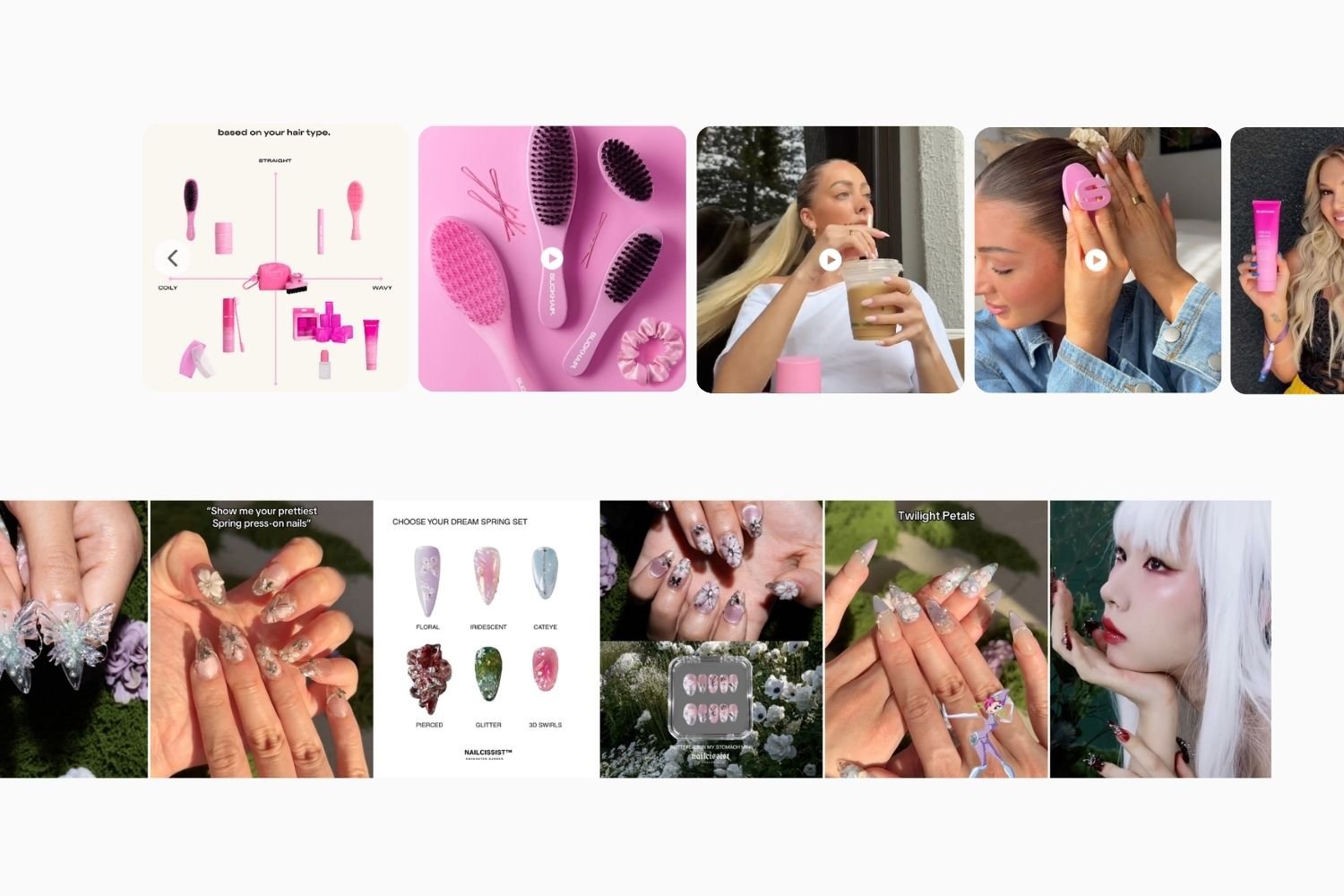
Most Shopify stores add an Instagram feed widget because it feels like something a modern storefront should have, without overthinking the setup.
The problem shows up later: the feed is technically working, but it's not doing much for the store. In some cases, it's working against it.
After building Mintt Instafeed and seeing how thousands of Shopify stores use Instagram feed widgets in practice, a pattern became clear. The issues usually aren't about design taste or content quality. They're structural issues in how Instagram and social feeds are implemented on Shopify stores.
Here are the 4 mistakes that show up most often, and how Mintt Instafeed is built to handle them in real storefronts.
Mistake #1: Treating the feed like a social media archive with no clear role
The most common issue across Shopify stores is not technical, it's conceptual. The Instagram feed is added because it feels expected, but without a clear role in the storefront.
When that happens, two things tend to go wrong at the same time:
- It turns into a social media archive rather than a store asset
- It fills space without contributing to product discovery or conversion
This leads to feeds that are visually active but strategically empty: too many posts, no hierarchy, and no clear direction for attention.
The stores that get better results do the opposite. They define the role of the feed upfront, whether it's social proof, product context, UGC, or brand atmosphere, and then shape the content accordingly. Once that role is clear, decisions around structure, volume, and curation become much easier. Without it, the feed tends to grow in size and noise until it stops adding value to the page.
How brands use Mintt Instafeed in practice
Mintt Instafeed is built around this idea: the feed should serve a purpose, not just display content.
Merchants can filter posts, hide off-brand content, and control exactly what appears on-site. This allows them to build curated, goal-driven feeds instead of embedding a full Instagram timeline.
Some stores use it to surface UGC near product pages to reinforce purchase confidence. Others use it to create editorial homepages, highlight campaigns, or build curated shoppable feeds focused on products. The ability to combine Instagram content with uploaded media, such as studio photography, campaign visuals, or customer content, means the feed can be shaped around how the brand actually sells, not just how it posts.
That flexibility matters because different stores need different types of social proof. A skincare brand may focus on customer results and tutorials, while a fashion store may prioritize styled looks and creator content. The feed should support the selling strategy, not just replicate a social feed.
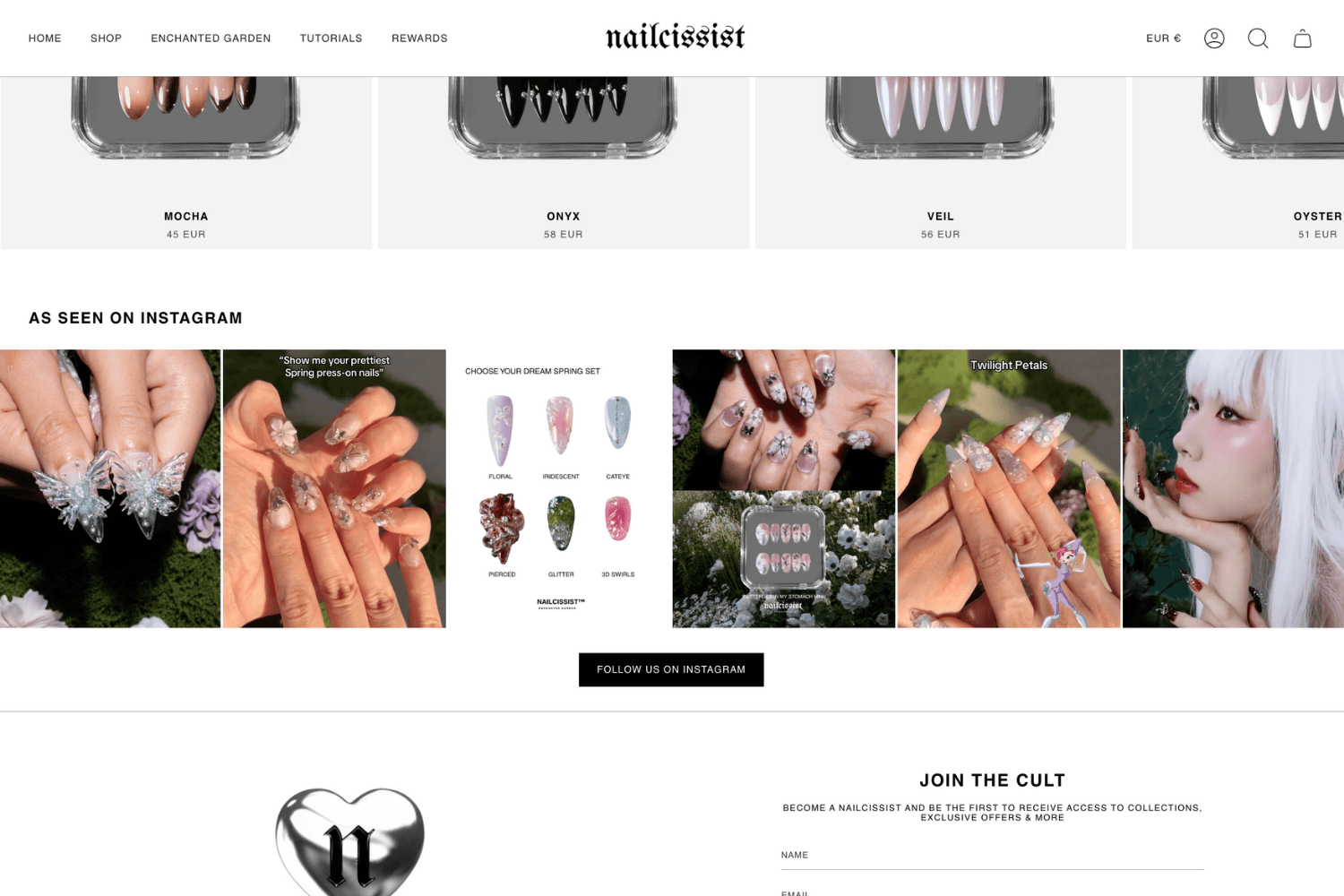
Curated Instagram feed on the Nailcissist storefront, used to reinforce brand identity and product atmosphere. Powered by Mintt Instafeed.
Mistake #2: Making the feed compete with store products
Some stores accidentally turn their homepage into an Instagram widget with products hidden somewhere below the fold.
The feed becomes the loudest thing on the page:
- Giant grids
- Too many autoplaying videos
- Endless scrolling
- Massive Reels thumbnails
Meanwhile the actual products feel secondary.
Instagram content works best as supporting evidence. It should reinforce trust, show the product in real life and help customers imagine themselves using it, instead of competing with the store itself.
The strongest implementations are usually surprisingly restrained. A small curated row. A carousel. A few strategically chosen customer photos near product pages, enough to create confidence without overwhelming the storefront experience.
How Mintt Instafeed handles this
Mintt Instafeed gives merchants flexibility over layout, spacing, post size and placement, which makes it easier to keep the feed proportional to the rest of the storefront.
Instead of forcing oversized widgets into the page, the feed can be adapted to support the shopping experience without overwhelming it. In many cases, smaller feeds on product and collection pages end up performing better than massive homepage galleries.
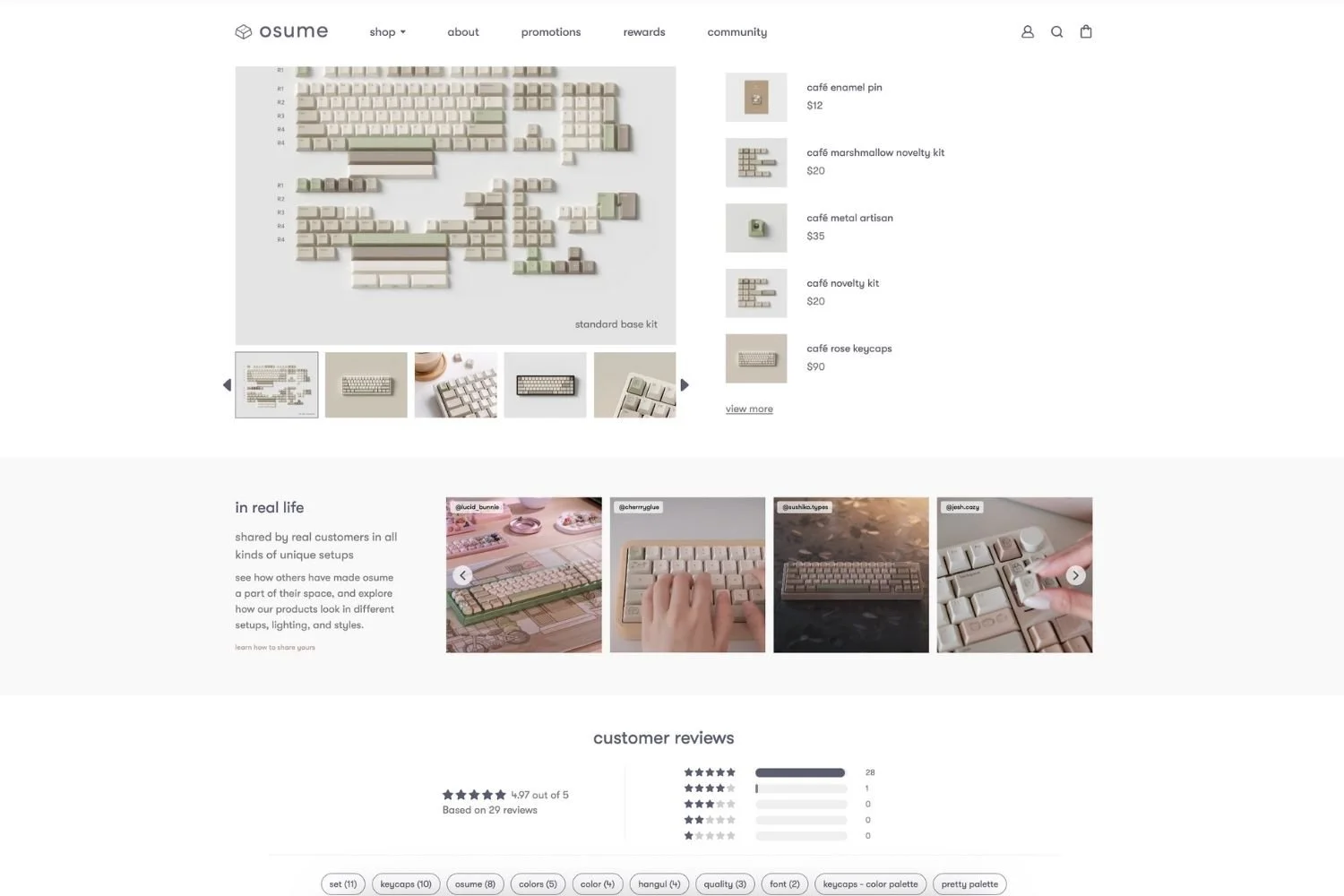
Osume product page featuring a clean, single-row UGC Instagram feed powered by Mintt Instafeed.
Mistake #3: Using a feed that destroys site performance
This one is especially painful because merchants often don't notice it happening.
A feed gets installed and everything seems fine at first. But over time, page speed starts to suffer. Mobile storefronts feel slower, layouts shift while content loads, and customers leave before the page fully renders.
Many Instagram and social widgets rely on heavy scripts, poor lazy loading or unofficial methods to pull content from Instagram. When something goes wrong, feeds can disappear entirely, leaving behind blank sections, broken layouts or unexpected errors on the storefront.
Performance matters more today than ever before. Customers expect storefronts to load instantly, and with Shopify becoming increasingly competitive, even small slowdowns can affect the shopping experience.
How is Mintt Instafeed optimized for page speed?
Mintt Instafeed is built specifically for Shopify storefronts, with performance at the core from the beginning.
It connects through the official Instagram API and integrates seamlessly with Shopify themes, creating a native storefront experience without unnecessary complexity or heavy frontend behavior. The app is lightweight and highly optimized, so it has no impact on page speed, even for larger stores and high-traffic moments.
Built with enterprise-level reliability in mind, it's designed to stay stable, secure, and consistent as stores grow.
Feeds load smoothly, layouts stay stable, and merchants never have to sacrifice site performance to add social proof to their storefront.
Mistake #4: Forgetting that mobile is the main experience
Many Instagram feeds are clearly designed by someone staring at a 27-inch monitor.
Then you open the store on mobile and:
- The feed becomes tiny
- Videos dominate the screen
- Spacing collapses
- Product pages become long, hard-to-navigate scrolls
According to Shopify's official commerce report, mobile has become the dominant channel for online shopping, with the majority of traffic on most Shopify stores now coming from smartphones (often around 70–80%). As mobile shopping continues to grow, driven by social commerce, faster connectivity, and improved mobile checkout experiences, brands are increasingly expected to design mobile-first storefronts rather than treating mobile as a secondary channel.
And Instagram itself trained users to expect smooth, thumb-friendly browsing. So when an embedded Instagram feed feels awkward on mobile, customers notice immediately even if they can't explain why.
Good mobile feeds feel simple and effortless to browse. Layouts stay consistent, spacing feels balanced, images load quickly, and everything fits naturally within the storefront experience.
With Mintt Instafeed
Mintt Instafeed automatically adapts feeds across screen sizes so layouts remain clean and usable on mobile devices.
Instead of shrinking desktop grids into unreadable thumbnails, the app automatically adjusts spacing, image proportions and feed structure to fit smaller screens naturally. Merchants can also fine-tune layouts independently for mobile and desktop, which helps avoid the oversized or cramped mobile feeds that are still common across many Shopify stores.
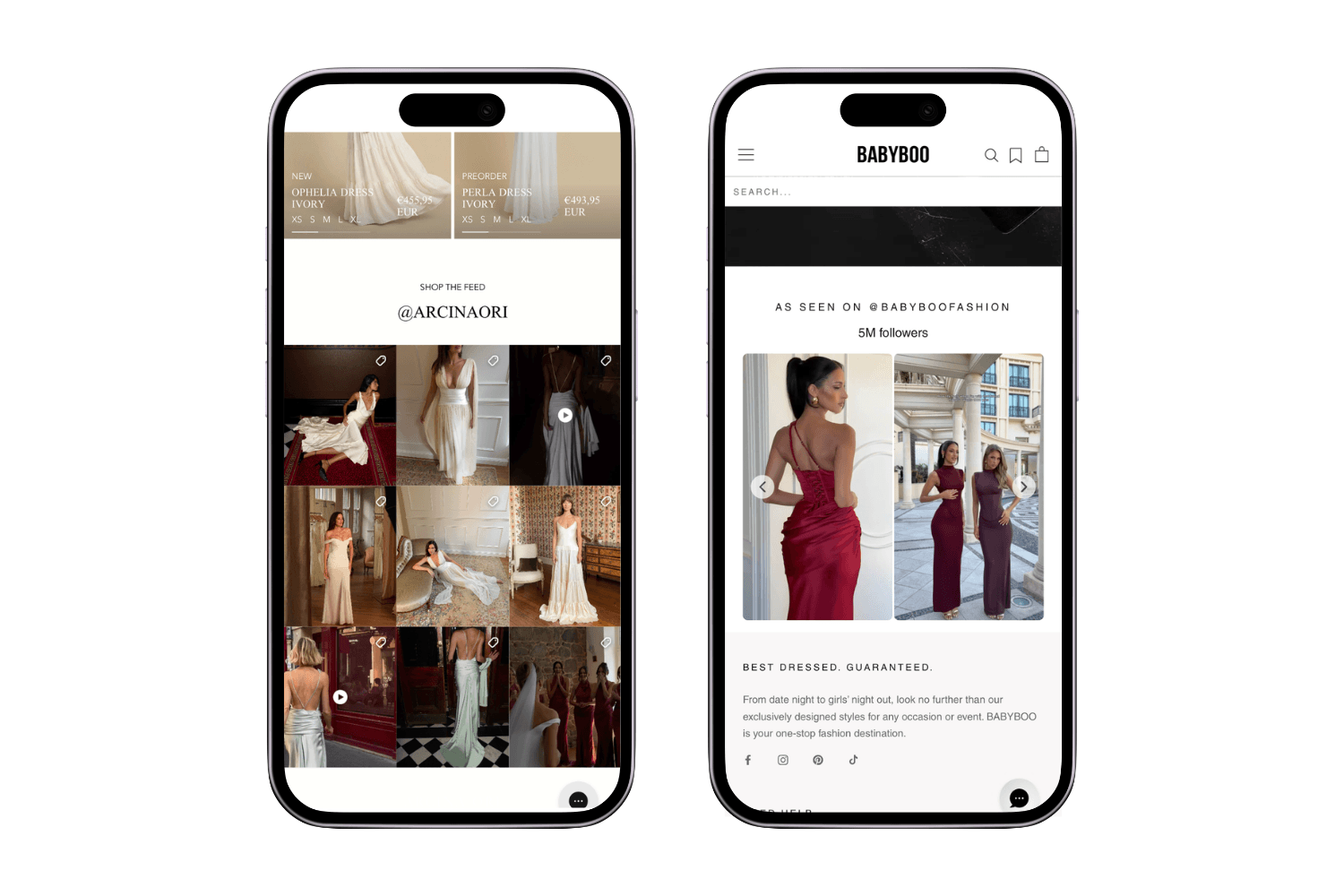
Mobile-optimized Instagram feeds on the Arcinaori and Babyboo storefronts, designed for seamless mobile browsing and shopping. Powered by Mintt Instafeed on the Shopify App Store.
Final thoughts
Instagram feeds are one of those storefront features that look deceptively simple.
Most of the problems are not caused by Instagram itself. They come from treating the feed like decoration instead of part of the shopping experience.
The stores that use feeds effectively tend to make the same decisions:
- They curate aggressively
- They keep layouts restrained
- They think about placement
- They optimize for mobile
- They don't compromise performance
That thinking shaped a lot of the decisions behind Mintt Instafeed.
We built the app to give merchants more control over how Instagram content behaves inside a storefront: better curation, flexible layouts, support for UGC and custom media, mobile-friendly design and lightweight performance that does not slow the site down - even on large Shopify Plus and enterprise storefronts.
Try it for free on the Shopify App Store.
Updated by Mintt Studio Team on May 20, 2026

We are a small team building big things as a Shopify Partner. Offering reliable solutions for merchants, our apps reach 900 million customers every month.